

Instagram Analytics Made Simple: 5 Key Metrics to Track
Have you ever opened Instagram insights, stared at all the graphs, and closed it again?
You’re not alone.
Instagram can feel like a wall of numbers. Reach, impressions, interactions, and accounts engaging with. For many creators and small business owners, it can be confusing and overwhelming.
At its most basic, Instagram analytics is just data that communicates the performance of your posts, stories, and reels. They answer some simple questions: who is seeing your content, who is engaging with your content, and what is driving results for your brand.
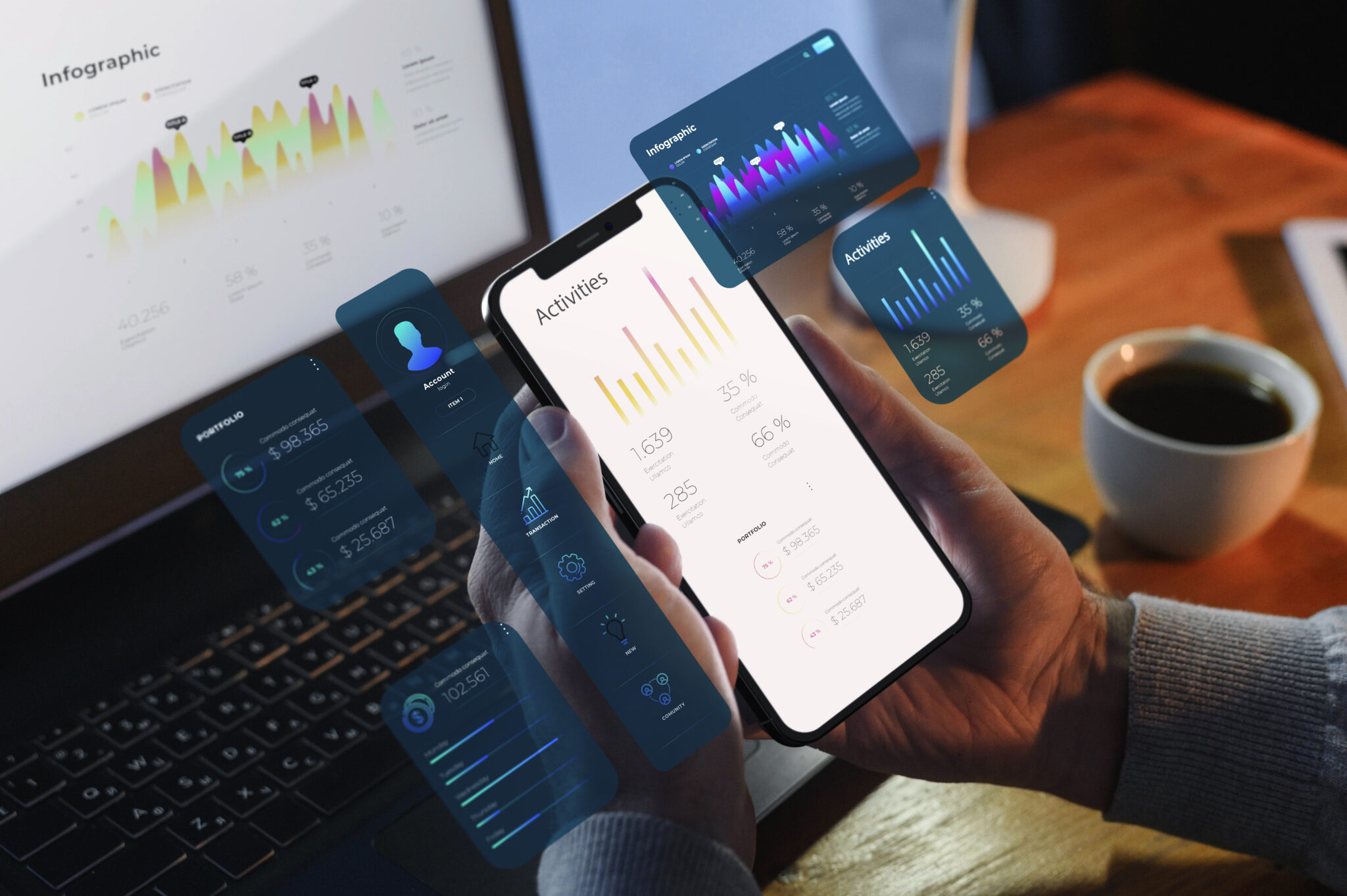
This guide breaks Instagram analytics into five clear, beginner-friendly metrics you can count on:
- Reach
- Engagement Rate
- Saves
- Profile Actions
- Follower Growth and Retention
You can expect to know what each metric means, why it matters, and how to use it for a more informed content decision. This guide focuses on Instagram Insights, or the built-in analytics tool, so you do not need to purchase any other software.
Take a breath, grab your phone, and let’s do this together step by step.
Let’s Start With the Basics: How to Access and Read Instagram Insights
Before you can leverage analytics, you need to be able to view it, and that starts with the correct account type and knowing where to tap.
To access analytics, switch to a business or creator account
If you are primarily using a personal account, Instagram hides most of the valid numbers. You’ll be able to see likes and comments, but not much else.
To get Insights, you need a Business account or a Creator account, both of which are free. You can switch back and forth eventually, too.
Here’s how to switch your Instagram account to a professional account:
- Open the Instagram app and go to your profile.
- Tap the three lines in the top right corner.
- Click Settings and privacy.
- Look for Account type and tools or something similar.
- Click Switch to professional account.
- Choose Business or Creator, then follow the quick steps.
After you switch, you’ll be able to see Insights for posts, stories, reels, and followers.
Some people have said that changing to a business account or creator account will hurt reach for their posts – and that is unlikely. The quality and consistency of your content are far more meaningful.
Finding Instagram Insights on your profile and posts
With a professional account set up, you’ll now see an Insights button on your profile.
To see more:
- Go to your profile.
- Tap the Insights button under your bio.
You will see data like:
- Accounts reached
- Accounts engaged | content interactions
- Follower data (age range, location, active days and times, etc.)
For Insights on a single post:
- Open the post from your profile.
- Tap View insights under the picture or video.
You’ll see a little panel pop up with metrics (reach, likes, comments, shares, saves, profile actions related to that post).
Why do you only need five simple metrics to grow on Instagram
Instagram has lots of metrics: impressions, plays, taps forward, taps back, sticker taps, and more. Those things are interesting, but you do not need them to grow.
For most creators and small business owners, you only need these five key metrics to form a complete and simple picture:
- Reach (Number of unique people who see your content)
- Engagement Rate (Number of unique people who interact with your content)
- Saves (Number of unique people who want to come back to your content)
- Profile Actions (Number of unique people who click through to learn more or contact you)
- Follower Growth and Retention (How your audience changes over time)
Each of these connects directly to your clear goals, namely:
- Visibility: Reach
- Interaction and interest: Engagement Rate
- Trust and value: Saves
- Sales or deeper connections: Profile Actions
- Long-term Growth: Follower growth/retention
By focusing on the five, you can enjoy not tracking every minute number to avoid burning out. It keeps analytics to the point and avoids overthinking.
Metric 1: Post Reach (How Many People Actually See Your Content)
Reach is helpful in quantifying how far your content travels, beyond just your follower count.
What Reach means and where to find it in Instagram Insights
Reach is simply the number of unique accounts that saw your post, story, or reel at least once.
Impressions are distinct from reach. Reach counts the total number of unique users who viewed your content one or more times. If one user sees your content multiple times, each view increments impressions, but not reach.
To illustrate simply:
- If you have 500 reach and 900 impressions, this means some people saw the duplicate content more than once.
- If a post has 500 followers, but 800 reach, then Instagram simultaneously shows the content viewed to non-followers as well.
To check your reach:
- For a single post: tap on the post, select View Insights, and then look for accounts reached.
- For your overall account metrics: head to your profile, select insights, and check accounts reached for your specific timeframe.
You can click into more detail to see the percentage share of reach from each content type (for example: reels, posts, stories) and how much reach they have generated on average.
Why reach matters for brand awareness and growth
This is important because, for brand awareness and business growth purposes, you could create the best post in the world, but if almost no one sees it, it is not going to be effective for your business.
Having a higher reach means more opportunities for:
- Brand awareness
- New followers
- Engagement and sales
Increased reach from non-followers is highly beneficial, and typically means Instagram has shown your content suggestions on Explore, in suggested posts, or in recommendations.
Straightforward things you can do to avoid paid ads to increase reach
You can do a few things that do not require paying for ads to raise your reach. A few small changes can make a difference.
Consider implementing the following tactics:
- Post when your audience has the most activity. Go into Insights to find out when most followers are online. Then, use this timing as a window to post.
- Post consistent and relevant hashtags. You want to supply hashtags that relate to your topic and target audience; avoid posting overly generic ones that are too large.
- Post more reels and/or carousels. Reels tend to reach particularly new people, while carousels encourage a longer viewership time on your post.
- Use trending but relevant audio/music in your reels. When adding audio to reels, select a sound that fits with your brand and subject. Don’t use random viral sounds without relevance to your brand or audience.
- Post captions with questions that ask for a comment or share. Try a simple question or prompt. For example, I might ask, “Which tip will you choose first?”
- Change one item at a time. Then observe for a few weeks. If you notice a theme/topic/ or simply a certain format tends to consistently have a higher reach, use this content more frequently.
Metric two: Engagement Rate (How much people care about your posts)
Reach shows how many people are seeing you; engagement rate displays how many of those people actually care.
What does engagement mean on Instagram?
Engagement refers to any action someone can take to your content. Engagement most often refers to:
- Likes
- Comments
- Shares
- Saves
- Replies to stories.
Each of these actions tells a clear story- this person cares enough to do more than simply scroll.
For example, you may have a post that had low likes and more shares/saves, which would send a strong signal that, in fact, the post had some kind of value for the audience, even if it did not visually appear popular.
Ask yourself what these posts have in common again
For example: the topic or subject, format (reel, carousel, single image), length of caption, whether or not your face was in the image, and what type of hook your post had in the first line.
Make a quick note with your shared findings. Then create additional posts with your new plans and with the content that shares those factors. Think to yourself, “What made people engage and comment with this post?”
You may also save your top-performing posts in a private folder, e.g., “Best content”, so you can review them when planning new posts.

Metric 3: Saves (The Silent Signal Your Content Has Real Value)
Likes are quick. Saves take intent. Someone has to think to themselves, “I want to see this again.”
What a save signifies and why it can be more powerful than a like
A save will occur when someone taps on the bookmark icon under a post – this will add that post to their saved collection.
When someone saves a post, they typically plan to come back later. Your content…
- Helped them with a problem
- Inspired them
- Taught them something practical
- Provided them with a resource they want to keep
If a post has many saves, it is often an indicator of delivering real value that lasts. A saved post can keep helping your followers for weeks or months, even if it did not “go viral” on day one.
How to track saves and compare them among your top posts
You can see saves in Insights for each post.
To check:
- Open a post and tap on View insights, and look for the saves icon and saves number.
For a bigger picture, scan your recent posts and look for anything that stands out and has higher saves. Notice: Topics that receive the most significant number of saves, formats that are typically saved (how-to carousels, checklists, infographics), and caption styles that drive more saves (clear steps, bullet points, or summaries).
You can also keep track of your average saves per post each month. Track this number in a simple note to measure whether new post ideas are performing better over time.
Create more save-worthy content your audience actually needs
If you want more saves, create content that people actually use, almost like a tool, instead of just content that they like.
Here are some strong saveable formats:
- Step-by-step how-to guides
- Checklists
- Before and after stories with lessons
- Mini guides on one clear topic
- Short explainers delivering answers to a common question
To find some ideas, look at your comments and DMs. What do people ask you for over and over again? Turn those into useful posts!
Ensure you use clear headings within your post, simple visuals, and in a graphic-readable text. Readers should feel they can scroll back to the post while working and can follow along in real time.
A gentle nudge, such as “Make sure to save this post so you can come back to it,” works too, to remind your audience to tap the save button!
Metric 4: Profile Actions (Clicks That Show Real Interest in You or Your Brand)
Profile actions indicate who is even curious enough to go beyond your original content to your profile, link, or contact buttons.
What counts as a profile action in Instagram Insights
Examples of profile actions include:
- Profile visits
- Clicks to your website
- Taps on a call button
- Taps on an email button
- Taps for directions (relevant for local businesses)
You can see these numbers:
- On single posts, by tapping View insights and scrolling to the section that shows profile visits and website taps that came from that post.
- On your account Insights, in the Accounts engaged or section, where Instagram lists actions taken as a result of visiting your profile.
Even accounts with a small following can learn from this data. If five people click on your website from one post, and two people purchase from your website, then the post was successful.
Connect profile actions to your business or creator goals.
One of the most valuable aspects of profile actions is that they translate into real-world actions.
Here are some examples:
- Website taps: Great for anyone running an online store, course creators, and blogs.
- Directions taps: Important for local stores and cafes.
- Call email taps: Useful for any service provider. Examples could be: coaches, salons, or agencies.
- Profile visits: Helpful for creators or personal brands building trust and recognition.
Identify one or two key actions that correspond to your immediate goal. Then focus on those actions, rather than trying to track every possible button the user can tap in a single session.
Metric 5: Follower Change and Retention (Are you bringing in the Right Audience over Time?)
Follower number alone is a vanity metric. Growth + retention lets you know if you are bringing in and keeping the right people.
How to Track Follower Change and Unfollows in Insights
Instagram Insights can allow you to see follower change over time.
To do so:
- Go to your profile and tap Insights.
- Look for Total followers or Followers.
- Tap that to see trends in followers gained and lost for their selected duration, if available.
Set simple checkpoints to monitor:
- A quick check in each week.
- A brief summary at the end of each month.
You can track follower numbers in a spreadsheet or even a notebook. Over time, it creates a finer grain impression of growth and patterns.
What Healthy Follower Growth Looks Like for Small Accounts
With small accounts, growth will often feel slow. This is completely normal. A few things to remember:
- It is typical to grow by just a handful of followers per week in the beginning.
- Quality followers are more important than followers that were added as a result of a viral post or giveaway.
- Unfollowings occur all the time, and they do not imply failure.
If you see a spike in growth, take note of what happened that week. You may have run a month of reels, a collaboration, or talked about a subject that particularly resonated with your audience.
If you see a dip in followers, consider it feedback; your content did not fully match your existing audience’s interests, or you posted more than usual. It is feedback, not judgment.
Use your growth patterns to develop plans for campaigns and content themes
Growth trends can inform your work going forward. Try this simple process:
- Make a timeline of major moments in your account, such as a launch, a reel series, a giveaway, etc.
- Now look at your follower growth chart and compare it to those major moments you tracked in your timeline.
- Identify what created the highest follower growth and what didn’t necessarily seem to work.
Then you can build a monthly theme based on those patterns. For example, if “how to” reels about your product always attract new followers, you could build a consistent, weekly “how to” reel around that work.
And consider whether those months when you have a month of focused, consistent content also show slightly higher follower growth when compared to different months.
Conclusion
Instagram analytics does not have to feel overwhelming or difficult. By honing in on five relevant metrics, you develop a clear, human impression of how your content performs. Those five metrics are reach, engagement rate, saves, profile actions, and follower growth and retention. These together show you who sees you, who cares for you, who trusts you, who clicks on you, and who stays with you.
You do not have to track every number in Insights. Choose the ones that seem relevant to the goal/s you set for yourself and check in once monthly. Over time, small, data-informed adjustments will usually outperform larger, randomized adjustments.
Take one step right now. Open Insights on your last five posts, identify one pattern that worked, and plan on repeating that action in your next batch of content. Your future self (and your audience) will thank you!
